Branded inspection reports with your logo and color.
Put your logo, brand color, company name, phone, and email on every report you send, in the digital report and the PDF.

Branding
Logo
tspc-logo.png
Brand color
#12A983
Extracted from your logo
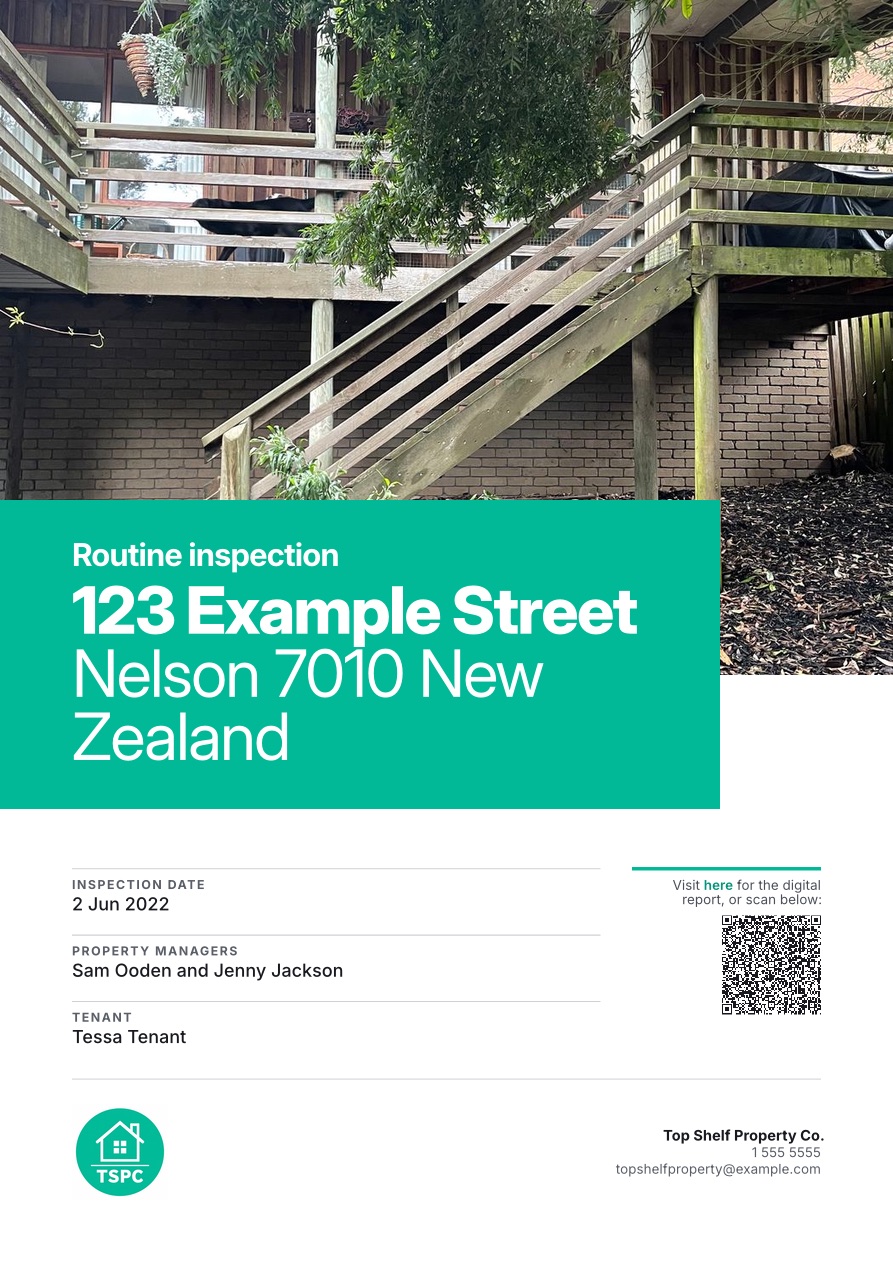
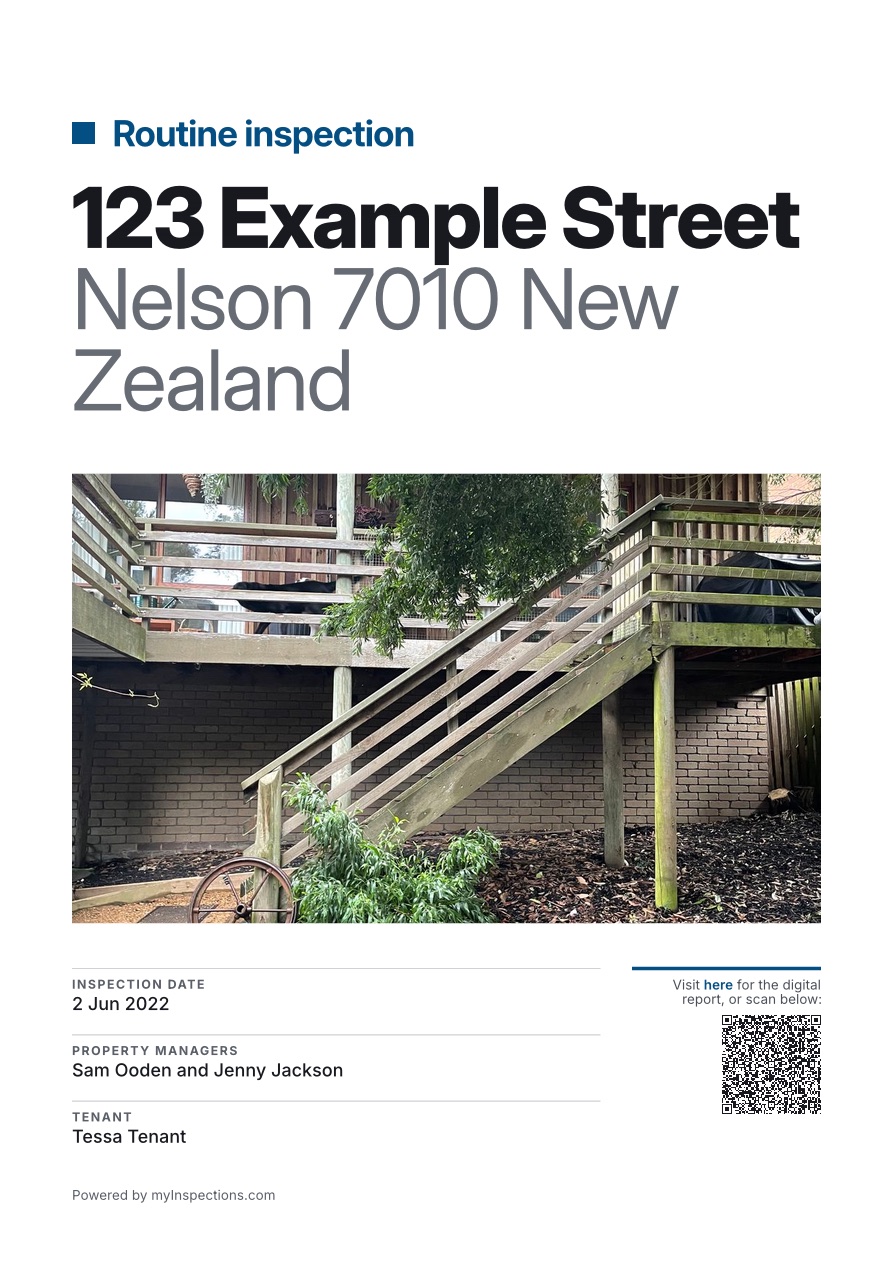
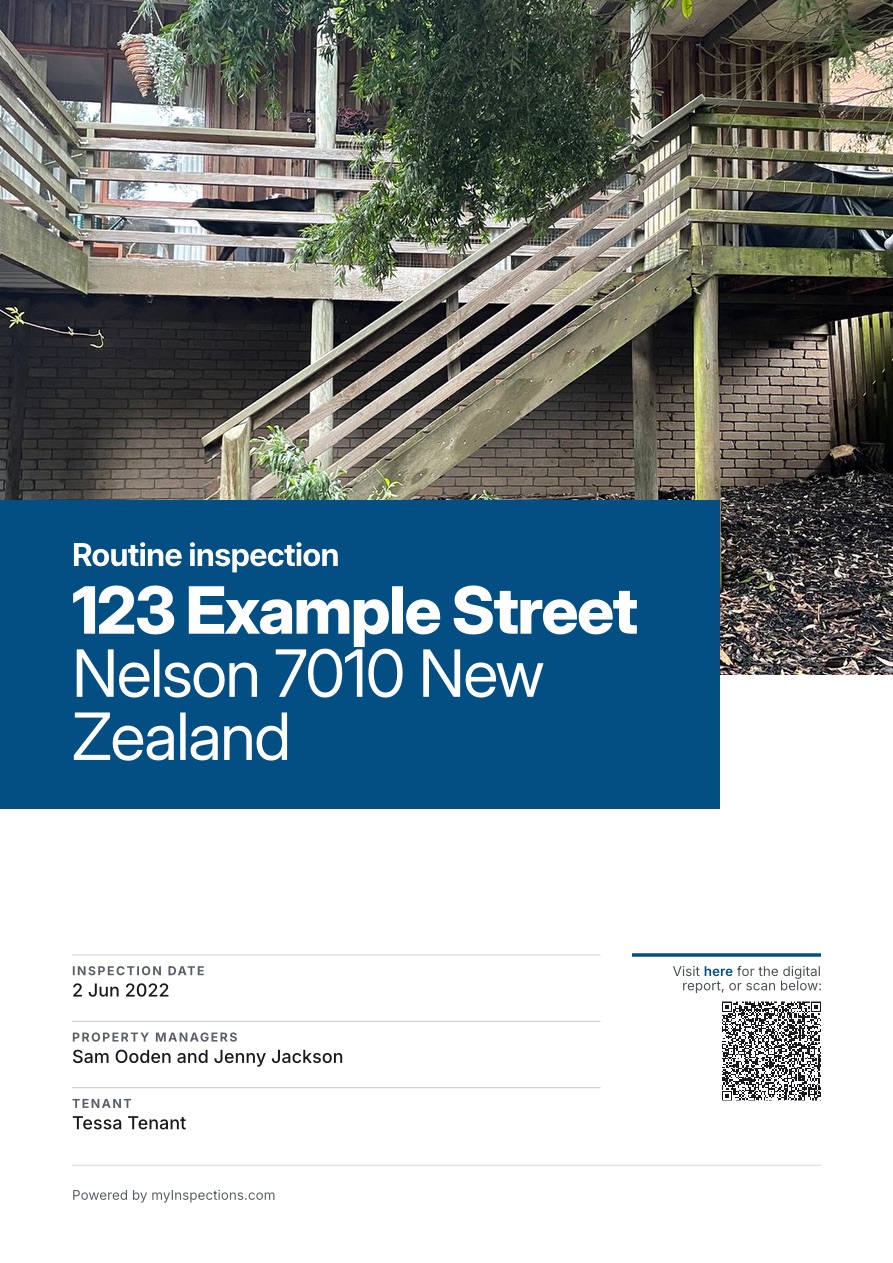
PDF cover
Make it yours.
Set your branding once in your report settings, and every report your team sends carries it.
Set it once.
Every report and PDF your team sends carries your branding, with nothing to set up per inspection.
Color from your logo. Upload your logo and we'll pull your brand color straight from it. Fine-tune it any time.
Every teammate, every report. Whoever runs the inspection, the report goes out branded as your business.
On screen and in print. Your branding carries through the live digital report and the PDF.
Learn about digital reports →Try it before you upgrade. Preview your branding on a sample report from any plan, then upgrade when it looks right.
Your emails, too.
When you share a report or invite someone to sign, the email carries your logo and brand color, sent on behalf of your business.
Inspection report shared with you
Jenny Jackson from Top Shelf Property Co. has shared the Move-in inspection report for 123 Example St with you.
Sent on behalf of Top Shelf Property Co., powered by myInspections.com
See a branded report.
Open our example report, branded for a property company, then download its PDF and flip through it.
Open the example report →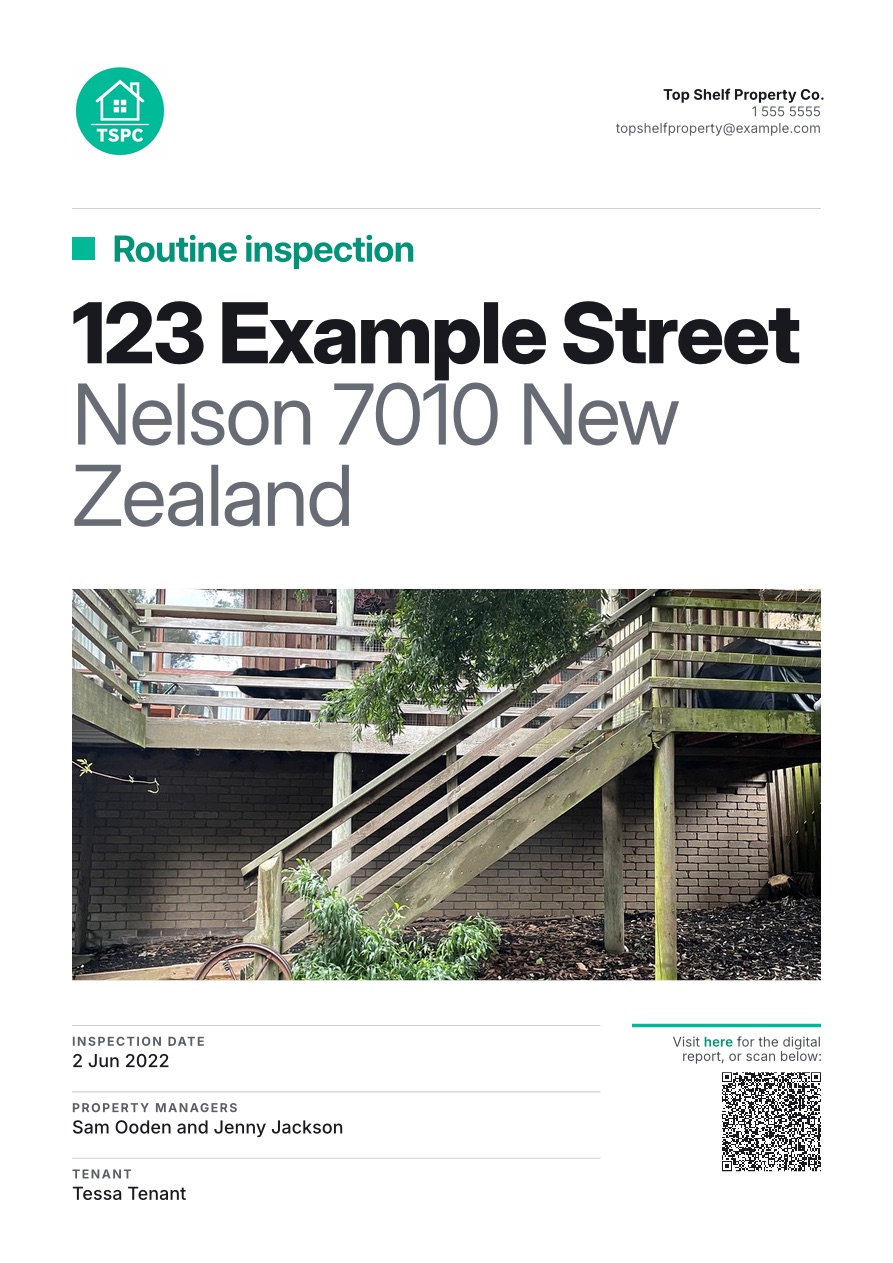
Related features
Continue exploring myInspections

Share report
Anyone with the link can view. No account required.
LANDLORD
Jenny Jackson
Added by Tessa Tenant
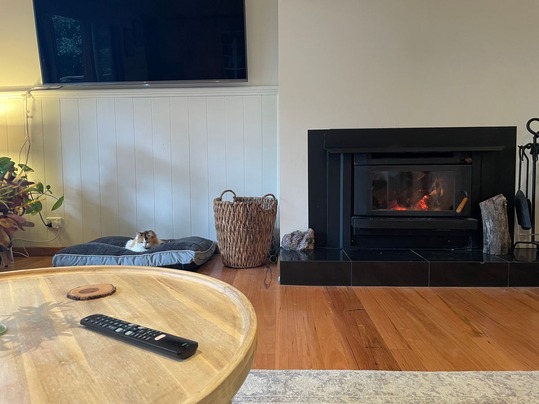
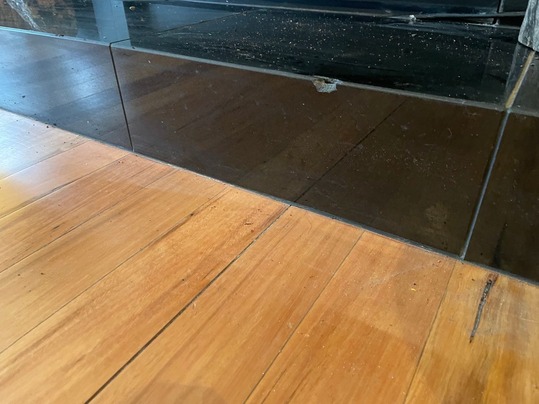
Notes:
One of the tiles in front of the fireplace is chipped.
Things people ask
Which plans include branded reports?
Where does my branding appear?
Can I try it before I upgrade?
Do I need a logo?
Does it apply to reports my team sends?
Put your name on every report.
Start your trial today. Add your logo and send reports that look like they came from your business.